
VBSPU समर्थ पोर्टल 2026: लॉगिन, परीक्षा फॉर्म, परिणाम और प्रवेश पत्र की संपूर्ण जानकारी
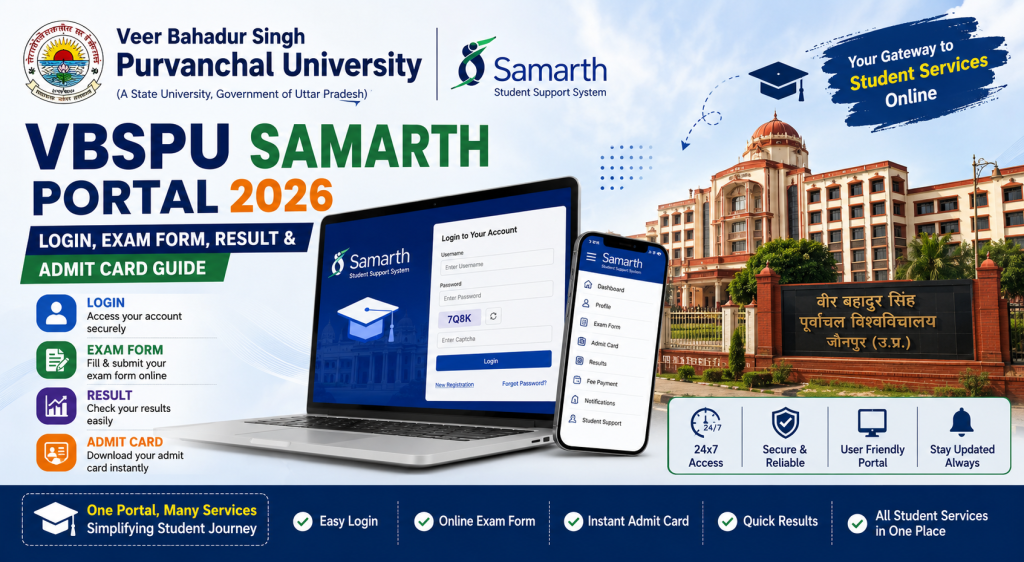
| Exam Form भरना | Dashboard → Examination |
| Fee Payment | Dashboard → Fee/Payment |
| Admit Card Download | Dashboard → Hall Ticket |
| Result Check | Dashboard → Results |
| Password Reset | Login Page → Reset Password |
VBSPU Samarth Portal Registration — Step-by-Step
पहले ये Ready रखें
– VBSPU Enrollment Number
– Mobile number जो admission time दिया था
– Date of Birth exactly जैसी records में है
– नाम exactly जैसा university records में है
Registration Process
Step 1: Browser में vbspu.samarth.edu.in खोलें।
Step 2: “New Registration” click करें।
Step 3: Programme select करें → Name, enrollment number, DOB, mobile, email भरें।
Step 4: System verify करेगा → OTP आएगा → Enter करें → Password बनाएँ → Done.
VBSPU Registration में Specific Problems
“Record not found” — सबसे common error:
Eastern UP के बहुत सारे affiliated colleges में data entry delays होती हैं। मतलब आपने admission ले लिया, fees भर दी, लेकिन college ने अभी तक आपका data university system में upload नहीं किया। ये VBSPU affiliated colleges में बहुत common problem है।
Solution: तुरंत college office जाएँ और बोलें कि “mera data Samarth portal par nahi aa raha — university system mein upload hua hai ya nahi check karein.” College को ये fix करना होगा।
Name spelling mismatch:
VBSPU affiliated colleges में name spelling errors बहुत ज़्यादा होती हैं — especially Hindi names का English transliteration (जैसे “Shivam” vs “Shiwam”, “Yadav” vs “Yaday”)। Portal पर exactly वही spelling डालनी होगी जो university records में है, चाहे वो गलत ही क्यों न हो।
Mobile number पुराना है:
OTP registered number पर जाता है। Number बदल गया? College office → number update request → university level update → फिर registration try करें। Guide: OTP Fix
VBSPU Samarth Portal Login
vbspu.samarth.edu.in → Enrollment Number → Password → Captcha → Login
Login नहीं हो रहा?
Password भूल गए: Reset Password → OTP → नया password। Guide: Password Reset
Portal slow / not opening: VBSPU के लाखों students hain. Deadline ke din portal पर बहुत load hota hai. Solution: सुबह 5-7 AM try करें — ये time सबसे अच्छा काम करता है। रात 11 बजे के बाद भी ठीक रहता है। Guide: Login Problem Fix
Captcha दिख नहीं रहा: Browser change करें। Chrome या Firefox best हैं। Internet Explorer बिल्कुल use मत करें।
VBSPU Exam Form कैसे भरें — Complete Process
Step-by-Step
Step 1: Login करें → Dashboard → “Examination” section।
Step 2: Exam session select करें (Annual 2026, Semester-IV, जो भी applicable हो)।
Step 3: Subjects दिखेंगे — एक-एक करके verify करें:
– क्या सारे subjects दिख रहे हैं?
– कोई extra subject तो नहीं?
– Back paper / improvement paper अगर भरना है तो option available है?
Step 4: Personal details verify करें।
Step 5: Examination fee pay करें (UPI / Card / Net Banking)।
Step 6: Submit करें → Receipt download + screenshot + print।
VBSPU Exam Form — ज़रूरी बातें
College verification ज़रूरी है: VBSPU affiliated colleges में exam form submit करने के बाद college को verify करना होता है। अगर college ने verify नहीं किया, तो form university तक नहीं पहुँचेगा। इसलिए:
- Form submit करें portal पर
- अगले दिन college office जाएँ और confirm करें कि verify हो गया
- अगर college बोले “abhi nahi hua” — तो follow up करते रहें deadline तक
Deadline college level पर early होती है: University की deadline 20 April है? तो college की internal deadline 15-17 April हो सकती है। College की deadline follow करें।
Subjects गलत दिख रहे हैं? ये college-side data entry issue है। Form submit मत करें — पहले college जाकर subjects correct करवाएँ। गलत subjects से form submit करना बाद में बहुत बड़ा problem बन सकता है।
Fee Payment Tips
- UPI सबसे reliable — fast और कम issues
- Net Banking में session timeout हो सकता है — avoid if possible
- Payment fail + money deducted? → 48 hours wait → फिर भी नहीं हुआ तो Payment Failed Guide follow करें
- Fee receipt ज़रूर save करें — screenshot + download + print
VBSPU Admit Card Download
Exam से 7-15 दिन पहले admit cards release होते हैं।
Step 1: Login → Hall Ticket section → Exam session select → Download।
Step 2: Print लें — clear print हो, धुंधला नहीं।
Admit Card नहीं आ रहा? Checklist
अगर पहले तीन सब done हैं लेकिन admit card नहीं आया, तो college office जाकर university level पर enquiry करवाएँ।
Admit Card पर ज़रूर Check करें
– Name और enrollment number
– Exam centre — VBSPU के centres बहुत दूर-दूर हो सकते हैं, पहले से location confirm कर लें
– Exam dates और timing
– Subjects list
Guide: Admit Card Download
VBSPU Result कैसे Check करें
Login → Results section → Exam session select → Marks और grade card देखें → PDF download करें।
Result कब आता है?
30-75 दिन exam के बाद। VBSPU results कभी-कभी ज़्यादा time ले लेते हैं — especially जब university level पर processing delays हों।
Result में Problem हो तो?
– Marks गलत लगें → College office → Revaluation/Retotalling form
– Subject missing → College office → University exam section
– “Not Declared” — Wait करें, university process कर रहा है
Eastern UP Students — Practical Tips जो कहीं और नहीं मिलेंगे
ये section specifically उन students के लिए है जो small towns और rural areas के affiliated colleges से हैं।
Internet Problem? ये करें
Eastern UP में internet connectivity कभी-कभी unstable हो सकती है। अगर आप form भर रहे हैं और बीच में internet चला जाए, तो:
– Form दोबारा भरना पड़ सकता है (ज़्यादातर cases में auto-save नहीं होता)
– इसलिए stable internet पर form भरें — WiFi हो तो best, mobile data हो तो 4G/5G area में बैठकर करें
– College computer lab भी option है — अगर college में lab available है
College Office से कैसे बात करें
VBSPU affiliated colleges में college office कभी-कभी student queries को seriously नहीं लेता। अगर ऐसा हो तो:
1. Written application दें (हिंदी में लिखें — “मेरा Samarth Portal पर ये problem आ रही है, कृपया resolve करें”)
2. Application की photocopy अपने पास रखें
3. अगर 3-4 दिन में response न आए, तो Principal से मिलें
4. University helpline का number भी try करें
Duplicate Registration Issue
कभी-कभी students गलती से दो बार registration कर लेते हैं — different details से। ये system में conflict create करता है। अगर ऐसा हो गया है, तो college office को तुरंत बताएँ — वो university backend team से duplicate deactivate करवा सकते हैं।
VBSPU Helpline
| Problem | किसे Contact करें |
|---|---|
| Portal login / registration | College admin office |
| Exam form / subjects | College exam section |
| Fee payment | College accounts |
| Admit card / result | College → University exam department |
Full contacts: Samarth Portal Helpline
अक्सर पूछे जाने वाले सवाल (FAQ)
VBSPU Samarth Portal का URL क्या है?
vbspu.samarth.edu.in — .edu.in domain verify करें।
Private affiliated college students भी यही portal use करते हैं?
हाँ। Government, aided, और private — सभी affiliated colleges same VBSPU Samarth Portal use करते हैं।
Exam form college verify नहीं कर रहा — क्या करूँ?
Written application दें college principal को। Deadline mention करें। अगर response न मिले, VBSPU helpline try करें।
VBSPU result कितने दिन में आता है?
30 से 75 दिन exam के बाद। कभी-कभी ज़्यादा भी।
Admit card पर exam centre बहुत दूर है — change हो सकता है?
Usually नहीं। Centre allocation university करती है। लेकिन special circumstances में college through request कर सकते हैं — guarantee नहीं।
ये guide हमारी Samarth Portal series का हिस्सा है। Related guides: IGNOU, DU, CSJMU (Kanpur University), BHU, Lucknow University। Complete list: Universities List