
VBSPU Samarth Portal: Login, Exam Form, Admit Card & Result Guide 2026
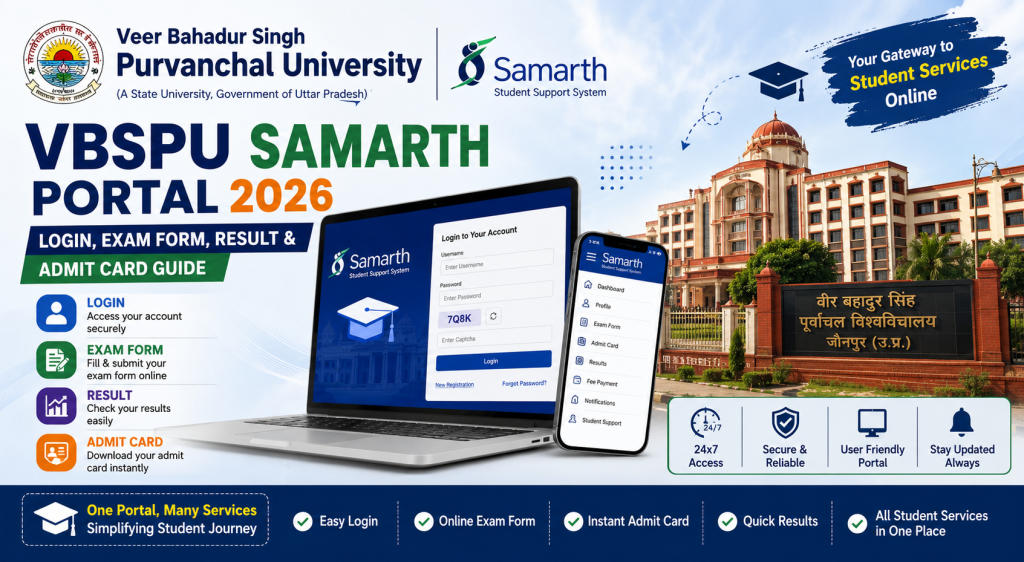
If you are a student of Veer Bahadur Singh Purvanchal University and you still ask your college clerk to check your results for you, it is time to upgrade. VBSPU has moved almost everything online through the Samarth Portal, and learning to use it is not just convenient — it is practically mandatory now. So let me walk you through every step without the usual government-website-level confusion.
Disclaimer: SamarthPortal.in is not affiliated with VBSPU or any government body. This guide is for informational purposes only. Always verify details on the official VBSPU website.
What is the VBSPU Samarth Portal?
The VBSPU Samarth Portal is the official student platform for Veer Bahadur Singh Purvanchal University, Jaunpur. It runs on the Samarth eGov Suite and is accessible at vbspu.samarth.edu.in.
VBSPU has hundreds of affiliated colleges across Eastern Uttar Pradesh. That means lakhs of students depend on this single portal for exam forms, fee payments, admit cards, and results. Whether you study in Jaunpur, Ghazipur, Azamgarh, or any other affiliated college, the process is the same for everyone.
How to Register and Login
Registration
Go to vbspu.samarth.edu.in, click “New Registration,” and fill in your details as per VBSPU records. You will need your enrollment number, name, programme, date of birth, and registered mobile number. After OTP verification, set your password and your account is ready.
The most common registration problem VBSPU students face is that their name on the portal does not match because the college submitted it with a slightly different spelling. If this happens, contact your college office and ask them to verify your data in the VBSPU system.
Login
Visit vbspu.samarth.edu.in, enter your enrollment number, password, and captcha, then hit Login. Forgot your password? Use the Reset Password option. Complete details are in our password reset guide. For login issues, check our login problem fix guide.
Key Services on the VBSPU Dashboard
Exam Form Fill Up
Before every examination cycle, VBSPU opens the exam form window on the Samarth Portal. Log in, select the Examination section, choose your session, verify subjects, and submit the form with the required fee.
VBSPU affiliated college students should know that your college may also be involved in the verification process after you submit the exam form. So submit early to give your college enough time to verify and forward your form. Waiting until the last day is not just risky for the server it is risky for the entire process chain.
For detailed instructions, see our Samarth Portal exam form guide.
Fee Payment
The portal supports UPI, debit cards, credit cards, and net banking. If your payment fails and money gets deducted, wait 48 hours for reversal. If it does not reverse, keep your bank statement or transaction screenshot and contact your college accounts section. Our payment failure guide covers this in detail.
Admit Card Download
VBSPU releases admit cards on the Samarth Portal before exams. Log in, navigate to the Hall Ticket section, and download the PDF. Check all details carefully — your name, enrollment number, subjects, exam dates, and centre. See our admit card download guide for step-by-step instructions.
Result Check
After examinations, results appear on the portal under the Results section. VBSPU results can take 30 to 75 days depending on the programme. If you cannot find your result, it is most likely because the university is still processing it.
Common Problems for VBSPU Students
VBSPU has a huge number of affiliated colleges, which means a huge number of students hitting the portal at the same time during deadlines. Server slowdowns are common. The golden rule is to do everything at least 3 to 5 days before any deadline.
Some affiliated colleges are still in the process of fully digitizing their records. If your data is missing or incorrect on the portal, your college is the right place to get it corrected, not the university directly.
For photo upload issues, check our photo upload error guide. For OTP problems, see our OTP fix guide.
Tips Specifically for VBSPU Affiliated College Students
Here is something many VBSPU students do not realize. The portal experience can vary slightly depending on whether your college admin has fully updated the system. Some colleges are very active with data entry, while others lag behind. If something looks wrong on your portal — missing subjects, incorrect semester, wrong category — do not try to fix it yourself by creating a new account. Go to your college and get it fixed at the source.
Another common issue in the VBSPU system is duplicate registrations. Some students accidentally register twice with slightly different details, and this creates a conflict in the system. If you suspect this has happened, bring it to your college’s attention immediately. The university backend team can merge or deactivate duplicate accounts.
For students in very remote areas of Eastern UP where internet connectivity can be inconsistent, a practical tip is to complete your portal tasks from the college computer lab. Most affiliated colleges have at least a basic computer setup with internet, and doing your exam form submission from there ensures you have a stable connection during the process.
Keep a printed copy of every submission confirmation and payment receipt. In case of any dispute later — and with a system serving lakhs of students, disputes do happen — your printed records are your strongest evidence.
VBSPU Helpline
Contact your affiliated college first for any portal issues. For university-level support, check the VBSPU official website. Our helpline number directory also has consolidated contact details.
Frequently Asked Questions
What is the official URL for VBSPU Samarth Portal?
It is vbspu.samarth.edu.in. Always check the URL before entering login details.
Can students from VBSPU affiliated private colleges use this portal?
Yes. All affiliated colleges — government, aided, and private — use the same VBSPU Samarth Portal.
How do I fill my VBSPU exam form on Samarth?
Log in to vbspu.samarth.edu.in, go to Examination, select your session, verify subjects, pay the fee, and submit. Full steps in our exam form guide.
When will VBSPU release results on Samarth Portal?
Results typically appear 30 to 75 days after the exam. Check the portal regularly.